Notes

Capture the thought before it disappears.

Notes are for the ideas, decisions, links, scans, and fragments that are not ready for a board or a meeting yet. Keep them private, share them when ready, and ask AI to find what you meant.

Private

by default

Scan

documents and whiteboards

AI

semantic recall

Why it matters

Best for founders, operators, managers, creators, students, and teams that lose important context in chat scroll.

01
Capture

Type, paste, scan, save, or import.

Lydo Notes is designed for messy real inputs: markdown, pasted text, saved messages, photos, whiteboards, files, and old notes from other tools.

  • Markdown editor
  • Save from chat
  • Scan, photo, and import flows
02
Share

Private first, shareable later.

A note can stay in your vault, move to a Space, go to a teammate, or publish as a read-only link when you want a clean external page.

  • Private notes
  • Share to teammates or Spaces
  • Publish public links with control
03
Recall

Search by what you meant.

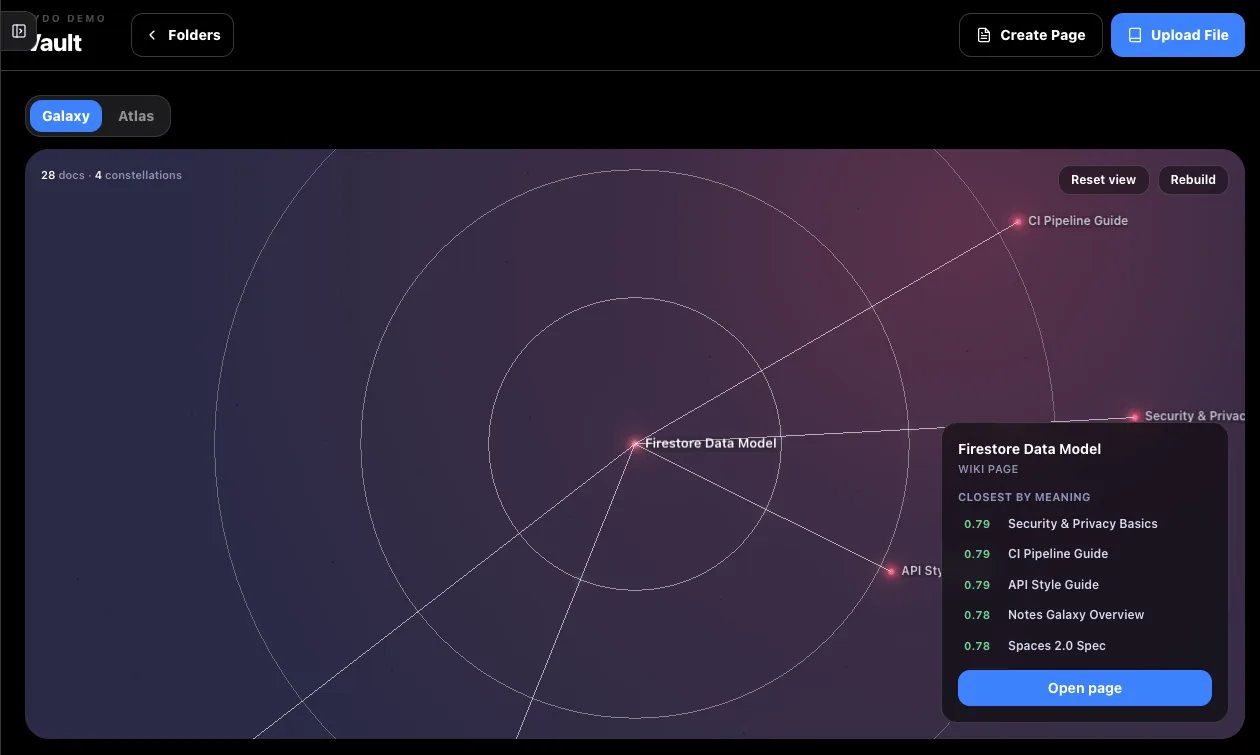
Joby and approved agents can help find the right note even when your search terms do not match the exact words you wrote.

  • Semantic search
  • AI answers grounded in your notes
  • Connections between related ideas
FAQ

Questions buyers ask.

Are notes always shared with the team?

No. Notes are personal first unless you choose to share them or publish a link.

Can Lydo import notes from other tools?

Yes. Lydo supports note imports from sources like Notion, Obsidian, Evernote, Markdown, and Apple Notes workflows.